A language model installed on your PC, as we explain in the guide on running AI locally with Ollama and LM Studio, only knows what it learned during training. Ask it what your boiler maintenance contract or your NVR manual says and it will guess. RAG (Retrieval-Augmented Generation) solves this: it first searches your documents for relevant passages, then passes them to the model along with the question. Everything can stay on your computer.
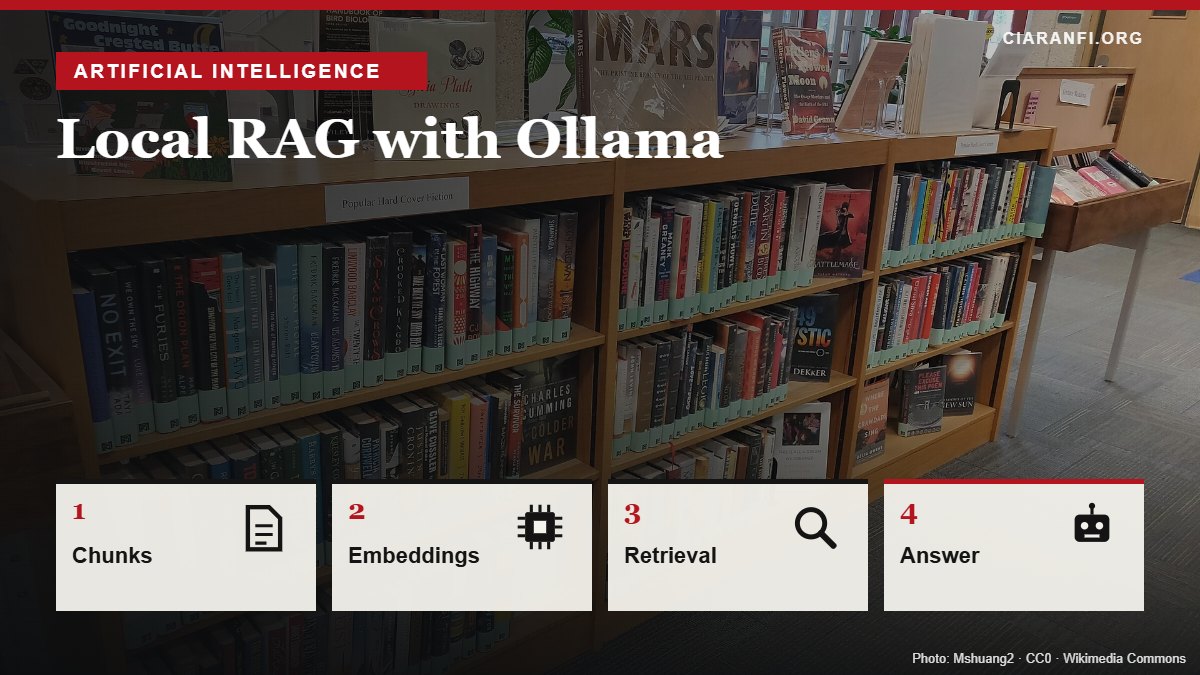
How it works, in four steps
| Phase | What happens | When |
|---|---|---|
| 1. Splitting | Documents are cut into chunks of a few hundred words | Once, when you add files |
| 2. Embedding | A dedicated model turns each chunk into a vector of numbers representing its meaning | Once |
| 3. Retrieval | The question also becomes a vector; the chunks closest in meaning are retrieved | For every question |
| 4. Answer | The language model receives the question and the retrieved chunks and answers from them | For every question |
The main advantage is verifiability: a good RAG system shows which document and passage an answer comes from, so you can check it.
Models to download
| Role | Examples available in Ollama | Notes |
|---|---|---|
| Embedding | bge-m3, nomic-embed-text |
For non-English text a multilingual model such as bge-m3 usually does better |
| Language model | 4–8 billion parameter models (Qwen, Llama, Gemma, Mistral families) | With 16 GB of RAM or an 8 GB graphics card they are the right compromise |
ollama pull bge-m3
ollama pull qwen3:8b
Exact model names and available versions change often: check the library on Ollama’s site before downloading.
The easy route: Open WebUI
Open WebUI is an open-source web interface that connects to Ollama and includes document management.
- Install Open WebUI (with Docker or the Python package) and point it at Ollama’s address, usually
http://localhost:11434. - In the document settings choose Ollama as the embedding engine and the
bge-m3model. - Create a knowledge collection (e.g. “Home”) and upload PDFs, text documents and saved web pages.
- In a new chat select the collection and ask your question. The answer shows the sources used.
If Ollama runs on another computer on your network, don’t expose port 11434 to the whole network: restrict access with the firewall to the computer running Open WebUI, and never to the internet.
The route to understanding: a few lines of Python
This minimal example shows the logic with no libraries other than ollama and numpy (pip install ollama numpy). It reads the text files in a folder, splits them, creates embeddings and answers a question.
import pathlib, numpy as np, ollama

EMB, LLM = "bge-m3", "qwen3:8b"
chunks = []
for f in pathlib.Path("documents").glob("*.txt"):
    words = f.read_text(encoding="utf-8").split()
    for i in range(0, len(words), 250):           # 300-word chunks, 50-word overlap
        chunks.append((f.name, " ".join(words[i:i + 300])))

vectors = np.array(ollama.embed(model=EMB, input=[c[1] for c in chunks])["embeddings"])
vectors /= np.linalg.norm(vectors, axis=1, keepdims=True)

def ask(question, k=4):
    q = np.array(ollama.embed(model=EMB, input=question)["embeddings"][0])
    q /= np.linalg.norm(q)
    best = np.argsort(vectors @ q)[::-1][:k]
    context = "\n\n".join(f"[{chunks[i][0]}] {chunks[i][1]}" for i in best)
    prompt = ("Answer only from the texts below and name the source file. "
              "If the answer is not there, say so.\n\n" + context + "\n\nQuestion: " + question)
    return ollama.chat(model=LLM, messages=[{"role": "user", "content": prompt}])["message"]["content"]

print(ask("How often does the boiler need servicing?"))
With many documents it is worth saving the vectors to disk or using a vector database, so they don’t need recalculating at every start.
The parameters that decide quality
| Parameter | Starting value | If answers are… |
|---|---|---|
| Chunk size | 300–500 words | …too generic: reduce it; …cut halfway through an idea: increase it |
| Overlap | 10–20% | …missing information that straddles two chunks: increase it |
| Chunks retrieved (top-k) | 3–5 | …incomplete: increase it, but mind the model’s context length |
| Instruction to the model | “Answer only from the texts provided, cite the source, admit if you don’t know” | …made up: make the instruction more explicit |
Limits to know
- Scanned PDFs: if the PDF is an image, you first need text recognition (OCR), otherwise there is nothing to search.
- Tables: split into text chunks they lose their structure. For tabular data a spreadsheet or targeted questions work better.
- Summary questions across the whole archive (“summarise all the contracts”) work badly: RAG retrieves a few chunks, it does not read everything. For long documents use the method in the article on summarising a long PDF.
- Always check important answers by opening the document given as the source.
Sources
- Ollama, API documentation (embed and chat endpoints).
- Open WebUI, documentation.
- Lewis et al., Retrieval-Augmented Generation for Knowledge-Intensive NLP Tasks (2020).