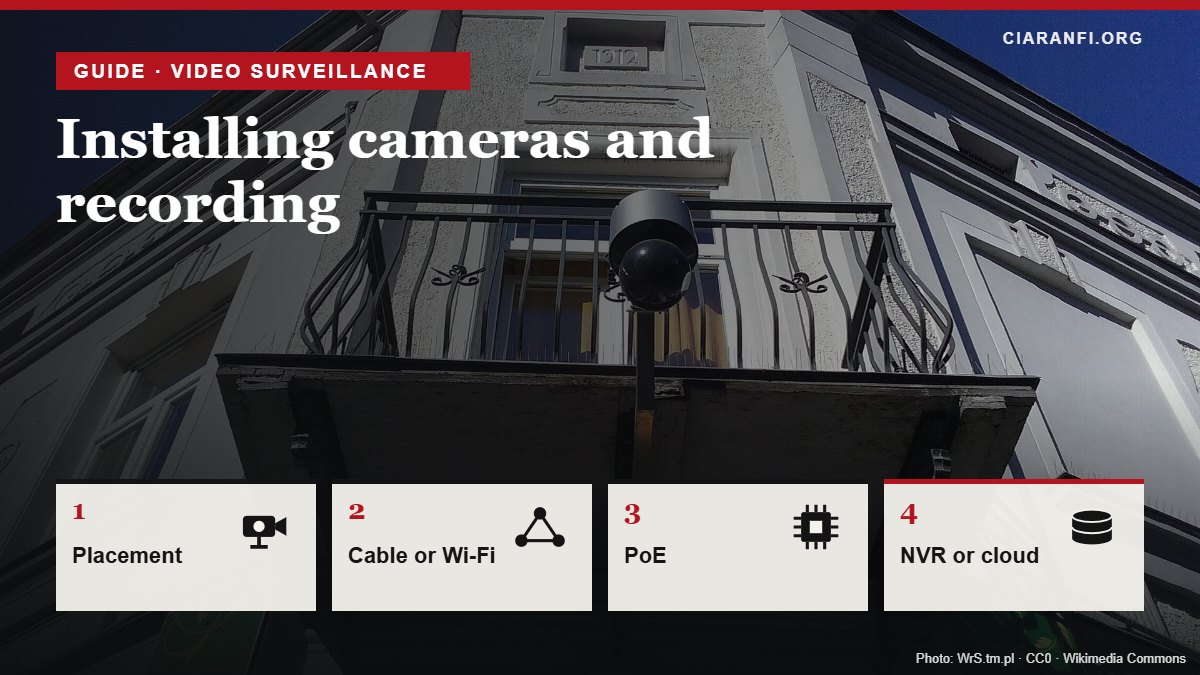
Guide updated on 4 November 2026. It brings together and replaces the site’s articles on placement, field of view, cable or Wi-Fi, PoE, recording storage, video backups and choosing an installer. To choose the model, first read the guide on choosing security cameras.
A good camera mounted badly records the sky, car headlights or the back of a visitor’s head. And a system that records to a card inside the camera loses everything if a burglar takes the camera. This guide follows the order in which a system is planned: where to put the cameras, how to connect them, where to store the video and how much space you need.
1. Where to place cameras
- Height: 2.5–3 metres. High enough to be out of reach, low enough to see faces rather than the tops of heads.
- Cover the points people must pass through: gate, front door, French windows, garage entrance. The distance from the camera there is known.
- Avoid backlighting: a camera facing the sun or a street lamp sees only dark silhouettes. If you can’t avoid it, look for “true” WDR (120 dB or more).
- No glass in front: infrared reflects and at night the image turns white.
- Keep the view to your own property: street, pavement and neighbours’ windows must be left out, or blanked with the software’s privacy masks. In Italy it is an obligation, not just a courtesy: see the guide on cameras and the law.
2. Field of view, before you drill
The width covered at a given distance follows a simple formula: width = 2 × distance × tan(horizontal angle ÷ 2). With a 2.8 mm lens (about 100°) you cover about 12 metres of width at 5 metres; with a 6 mm lens (about 50°), about 4.7 metres. The wider the scene, the fewer pixels per person: the table in the guide on choosing cameras shows at what distance a face can be recognised.
The most reliable method is still a test: before fixing the bracket, hold the camera switched on at the chosen spot (with an extension lead and your phone) and look at the real image, in daylight and in the evening.
3. Cable or Wi-Fi
| Network cable (ideally PoE) | Wi-Fi | Battery + Wi-Fi | |
|---|---|---|---|
| Stability | Highest, no interference | Depends on signal and how many devices there are | Wakes only on motion: misses the first seconds |
| Power | Over the same cable with PoE | Needs a socket nearby | Recharge every few weeks or use a solar panel |
| Continuous recording | Yes | Yes, if the signal holds | Usually no, events only |
| Installation | More work: running cables | Easy | Very easy |
| When to choose it | Permanent systems, outdoors, several cameras | Indoors, one or two cameras | Where no cable can reach |
Wi-Fi cameras almost always use the 2.4 GHz band, shared with Zigbee and many home devices: if sensors keep dropping, read why the Wi-Fi channel is often to blame.
4. PoE: power and data over one cable
With Power over Ethernet a single network cable carries both data and power to the camera. You need a PoE switch or an NVR with PoE ports, and compatible cameras. The IEEE 802.3 standards to know are three:
| Standard | Power at the port | Suitable for |
|---|---|---|
| 802.3af (PoE) | 15.4 W | Most fixed cameras, including IR |
| 802.3at (PoE+) | 30 W | Cameras with spotlight, heater or motor |
| 802.3bt (PoE++) | 60–90 W | High-end PTZ speed domes |
- The maximum cable length between switch and camera is 100 metres.
- Use solid copper Cat 5e or Cat 6 cable, outdoor grade (UV-resistant jacket) if it stays outside; avoid copper-clad aluminium (CCA), which heats up and loses power.
- Add up the cameras’ consumption and check the switch’s total “PoE budget”, not just the per-port figure.
5. Where to store video: card, NVR or cloud
| Where | Pros | Cons |
|---|---|---|
| microSD card in the camera | Minimal cost, no subscription | Lost with the camera, limited capacity, cards wear out |
| NVR (network video recorder) | All cameras in one place, large disks, continuous recording | Must be hidden or locked away: a burglar who takes the NVR takes the evidence |
| DVR | For existing analogue (coaxial) systems | Outdated technology for new systems |
| Vendor cloud | Video safe even if everything is stolen | Subscription, depends on upload speed, images leave the house |
The most robust approach combines two layers: an NVR in a hidden place for continuous recording and a copy of important events off-site (cloud or a second recorder elsewhere). It is the same logic as the 3-2-1 backup rule. Use surveillance-grade disks in the NVR, designed to write day and night.
6. How many days of video fit on a disk
Space depends on the bitrate, how many megabits per second each camera produces. The calculation: GB per hour = bitrate in Mbit/s × 3600 ÷ 8 ÷ 1000.
| Bitrate per camera (H.265) | Per day, 1 camera | 4 cameras on 1 TB | on 2 TB | on 4 TB |
|---|---|---|---|---|
| 2 Mbit/s (typical 2 MP) | 21.6 GB | 11 days | 23 days | 46 days |
| 4 Mbit/s (typical 4 MP) | 43.2 GB | 5 days | 11 days | 23 days |
| 8 Mbit/s (typical 4K) | 86.4 GB | 2 days | 5 days | 11 days |
Values for continuous 24-hour recording. Recording only events makes the space last much longer, but you risk missing what detection didn’t catch. Remember too that you should not keep footage longer than necessary: Italy’s data protection authority generally points to a few days, and anything beyond 72 hours needs a justification. Turn on automatic overwriting.
7. When to call an installer
A kit with two or three Wi-Fi or PoE cameras can be installed yourself in an afternoon. A professional is worth it when:
- new power lines or outdoor sockets are needed: that is electrical work, to be done by a qualified firm that certifies it;
- cameras must go above 3 metres, on façades or in spots needing equipment for working at height;
- the system is in a block of flats, a shop or a workplace, where signs, minutes and agreements also matter (see cameras and the law);
- you want to integrate alarm, intercom and home automation into one system.
Ask for a written quote listing models, the number of recording days guaranteed, who keeps the passwords and how updates are handled. The administrator credentials must stay with you.
Checklist before installing
- I have tested the real view by day and in the evening.
- No camera covers the street, neighbours or shared areas beyond what is needed.
- I chose cable and PoE where possible, Wi-Fi only where needed.
- The NVR is hidden and important events are copied off-site.
- I know how many days I record and overwriting is automatic.
- I changed the passwords and turned on updates: see camera cybersecurity.
Sources
- IEEE 802.3af, 802.3at and 802.3bt, Power over Ethernet.
- Italian data protection authority (Garante), video surveillance FAQ (retention periods, Italian).
- Field-of-view and disk-space calculations: ciaranfi.org, using the formulas in the text.